Discover
Home
/
...
/
How to create a real estate listing in Singapore
New Chat
Discover
New Launches
Arina East Residences
8@BT
Nava Grove
Union Square Residences
Norwood Grand
One Sophia
Midtown Bay
Sora
Sign In
About Buddy
Discover
Home
/
...
/
How to create a real estate listing in Singapore
How to create a real estate listing in Singapore
9 months ago
18 views
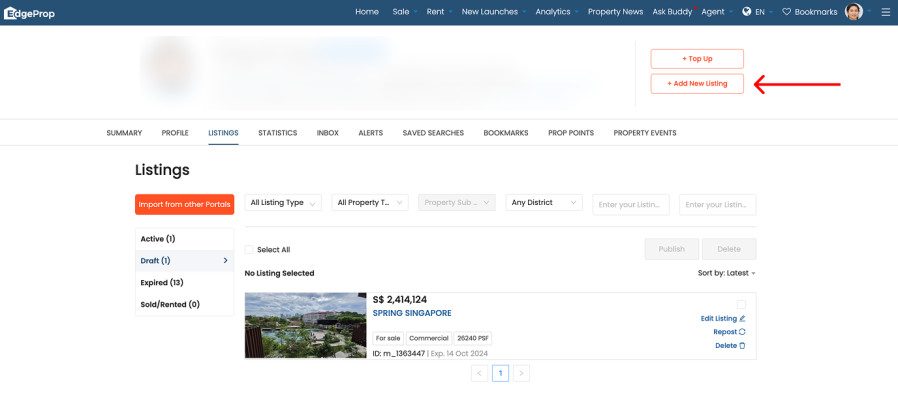
To create a listing on EdgeProp:
1) Go to
https://www.edgeprop.sg/listings
.
2) Login or Register with an
Agent account
. Only Agents can create listings on the EdgeProp website.
3) Click the
"Add New Listing"
button at the top right.
4) After your listing is created, you can search for your listing
here